
The Smart Home Has a Screen Problem: Why Connected Homes Need Ambient Interfaces
The Smart Home Has a Screen Problem: Why Connected Homes Need Ambient Interfaces

- Last Updated: October 23, 2026
Sergey Eskin
- Last Updated: October 23, 2026
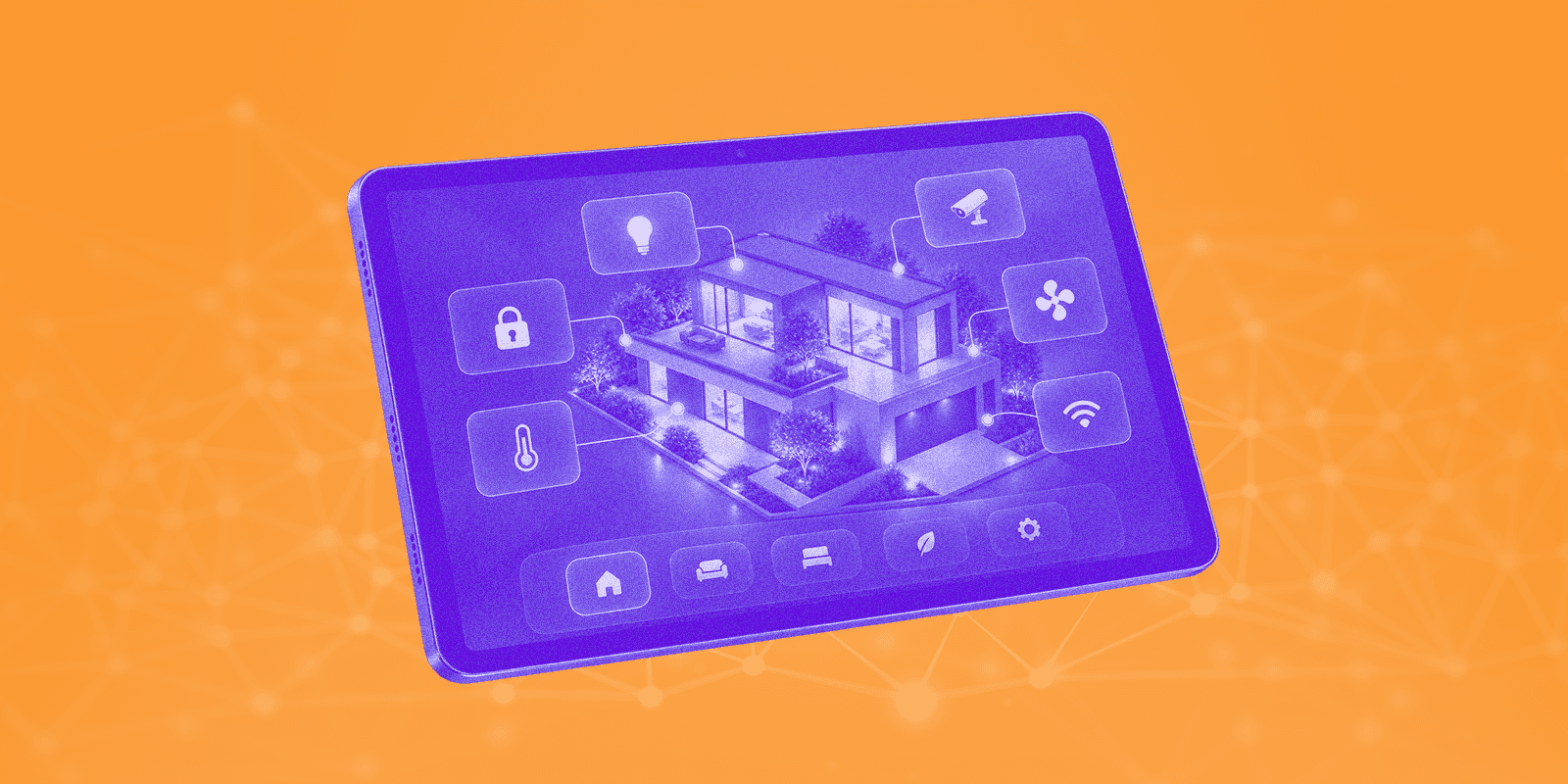
Smart homes have become good at collecting data and responding to commands. They are less good at showing what is happening at the right moment.
Most smart-home products assume that someone is holding a phone, opening an app, finding a device, and choosing an action. That works for setup and occasional control. It is less useful for the everyday experience of living in a connected home.
A home is a shared environment. Its state should be understandable even when nobody has opened an app.
Phone is Personal, Home is Shared
A smartphone belongs to one person. It may be locked, charging in another room, or simply unavailable to everyone else.
A shared home interface has a different job. It can show whether the front door is locked, who is at home, the temperature in the main rooms, an active scene, the weather, or a device that needs attention.
This information does not always need to demand interaction. Its value often comes from being visible at the right time.
A screen in the living room, hallway, kitchen, or entrance can give the household a common view of the home without requiring everyone to use the same phone or account.
Ambient Interface
An ambient interface communicates useful information with very little interaction. It does not try to show every sensor, automation, and device at once. It focuses on the information that helps people understand the current situation.
A useful interface normally supports three levels:
- Glance: understand the state of the home in a few seconds.
- Control: perform a frequent action, such as turning off lights or activating a scene.
- Management: open detailed settings, history, automations, and device configuration.
The first level should remain useful even when nobody touches the screen.
Show Meaning, Not an Inventory
Many smart-home interfaces are organized around the device database. Every lamp, sensor, switch, camera, and thermostat gets its own tile.
That may be technically complete, but it is not always helpful. People rarely ask, "What is sensor 14 reporting?" They ask whether the home is comfortable, whether everything is secure, why the heating is running, or whether anything needs attention.
The first screen should therefore prioritize state, exceptions, and context. The full device list can remain available one level deeper, but it should not dominate the shared view.
Different Screens Need Different Behaviors
A television and a tablet may show the same home data, but they should not behave like the same device.
A television is viewed from a distance. It needs large type, clear hierarchy, limited interaction, and predictable directional navigation. It is well suited to a shared status screen controlled with a remote.
A tablet can sit on a wall, desk, or kitchen counter. It supports touch and more detailed interaction with rooms, scenes, and accessories.
One practical pattern is to use Apple TV as a shared full-screen dashboard and iPad as a touch-oriented control surface. HomeDeck is one example of adapting the same connected-home context to both screen types instead of treating the television as a larger phone.
The important principle is not the hardware brand. It is matching the interface to the distance, input method, and social context of the screen.
Ambient Should not Become Noise
An always-visible interface can easily become another source of distraction.
A good ambient mode stays quiet when everything is normal. It may show a large clock, a small amount of home status, weather, or an active scene. It should use limited motion and avoid filling the screen with data.
The interface should become more prominent only when something meaningful happens: an unlocked door, an unusual temperature, a water leak, a security event, or a device that has stopped responding.
A home dashboard should not behave like a monitoring center when there is nothing to monitor.
Light and dark themes should also be designed as complete modes rather than a simple color inversion. In some situations, a darker, quieter presentation works better. In others, brightness and maximum legibility matter more.
Shared Screens Need Privacy Rules
A screen visible to guests should not expose everything available to an authenticated user.
The interface can separate information that is safe for everyone, common household controls, actions that require confirmation, and private security or presence data.
This matters especially for cameras, locks, alarms, personal schedules, and information about who is home.
A useful, shared interface does not solve privacy by hiding everything. It separates what people can see from what they are allowed to do.
How to Measure Success
A home dashboard should not be judged by the number of tiles, screens, or supported devices.
More useful questions are simple. Can someone understand the state of the home without opening an app? Can a frequent action be completed quickly? Is it clear when data is stale or unavailable? Does the interface reduce repeated questions between household members? Does it remain understandable when the network or a device is offline?
The best interface may be the one people stop noticing during normal operation. It remains present, communicates what matters, and becomes interactive only when interaction is useful.
The Next Step
The next stage of smart-home design is not just more devices or more automation rules. It is a shared layer of understanding between people and the connected environment.
Phones will remain important for setup, remote access, and detailed management. But the home also needs interfaces that belong to the space itself.
A television, tablet, or wall display can provide that missing layer. It can make the state of the home visible, reduce dependence on individual phones, and turn connected devices into a more coherent experience.
The smart home should not always ask, "Which app should you open?"
Sometimes it should simply show you what you need to know.

The Most Comprehensive IoT Newsletter for Enterprises
Showcasing the highest-quality content, resources, news, and insights from the world of the Internet of Things. Subscribe to remain informed and up-to-date.

New Podcast Episode

Building Real-Time Voice AI Experiences

Related Articles