Remote Workers Are a Growing Cybersecurity Risk: Here's How To Protect Your Business
Remote Workers Are a Growing Cybersecurity Risk: Here's How To Protect Your Business

- Last Updated: December 19, 2025
Andrej Kovacevic
- Last Updated: December 19, 2025
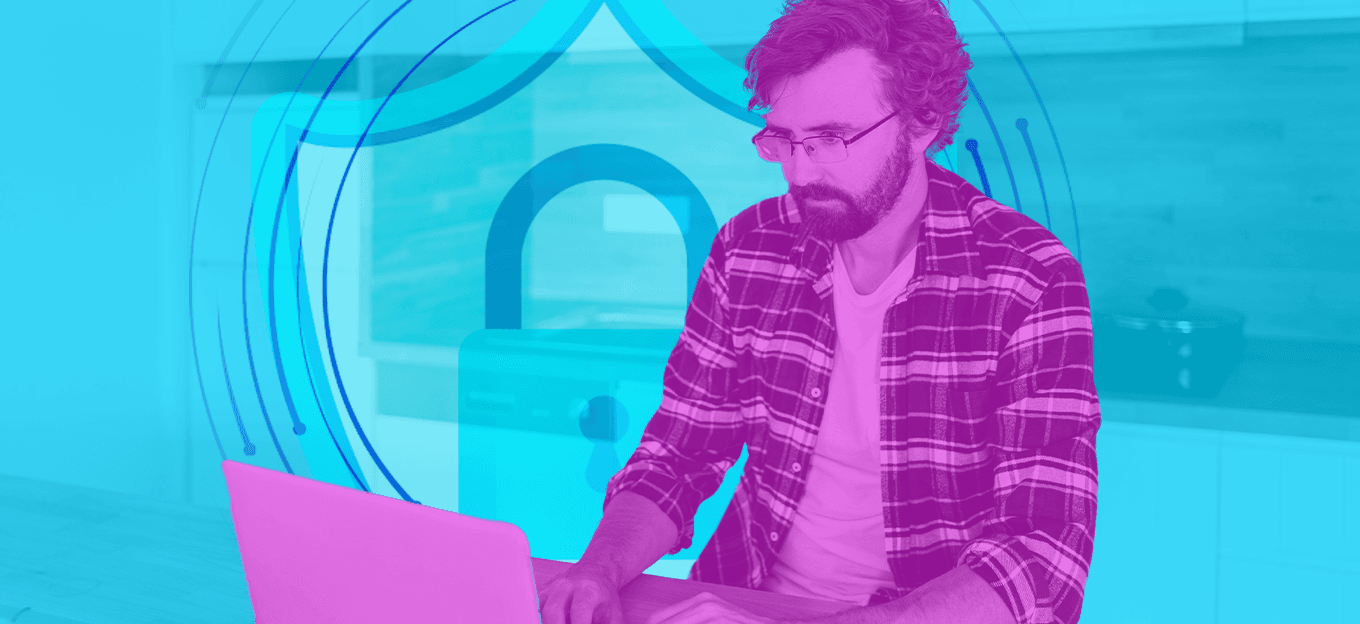
If you own or manage a business that relies on remote workers, it's likely helping keep overhead low. However, before you start adding up the savings to allocate to other priorities, take a moment to recognize the risks involved.
The fact is that remote workers present significant cybersecurity risks that the average business isn't guarding against. For proof, look no further than the fact that 42% of organizations with remote workers reported successful social engineering or phishing attacks in the past year. Then consider that the average data breach cost $4.4 million in 2025. Those remote work savings aren't looking so great anymore, are they?
The good news is that you can have your cake and eat it, too. With a few simple security measures, you can keep your remote employees from compromising your business's cybersecurity. Here's what to do.
Migrate to SSO With Passkeys
The biggest cybersecurity threats facing remote workers involve credential theft. Therefore, the single most important measure you can take to guard against that is to migrate to a single sign-on (SSO) provider that supports passkeys.
Passkeys are a type of authentication credential based on public/private encryption key pairs. Essentially, they store private keys on a user's device, turning the device itself into the user's credential. With passkeys in use, an attacker would need to have physical possession of an employee's device and know the user's device PIN (or be able to fake biometric data). In short, passkeys make credential stealing close to impossible.
An SSO provider can help your business apply passkey technology to digital business assets that wouldn't otherwise support it. Cisco's Duo platform is an excellent example of this. It supports hundreds of integrations out of the box. Plus, it supports additional integrations using the SAML 2.0 protocol. In that way, end-users can use Duo's passkey security with almost any digital system.
Use a Private or Quality Commercial VPN
There are plenty of misconceptions out there about VPNs and how they function as a security measure. Unfortunately, it leads many business leaders to rely too much on technology as a cure-all for every cybersecurity threat. To avoid that, it's critical to ask: what does a VPN hide? The answer is: not as much as you might think. In truth, businesses should only use VPNs for two purposes. One is to facilitate a mostly closed business network perimeter. In that scenario, a private VPN provides encrypted, privileged access from the open internet into a protected business network.
The second use for a VPN is to protect business data as it transits insecure networks. That purpose directly applies to remote workers. They're apt to use home networks with vulnerable routers, or public hotspot networks, while they work. Either presents a serious risk of man-in-the-middle attacks. With a private or trusted commercial VPN in use, those attacks become impossible, even with a compromised router.
Employ 3-2-1 Backup Strategies
Finally, it's essential to recognize that even the most secure digital systems can still fall victim to attack. For proof, look no further than the 2017 breach of the US NSA's systems, resulting in the theft of a top-secret hacking tool. Since there's no such thing as a perfect defense, it's essential to include recovery plans in any sane remote worker security effort. The core of those plans should include the 3-2-1 backup concept.
A 3-2-1 backup means having at least three complete copies of essential business data stored in different locations. For maximum protection, all three should remain separate at all times. For example, you can have remote workers make local, encrypted backups on their devices. Then, you can provide them with external hard drives to make a second backup set, with instructions to store it in a fireproof safe. And finally, you can have a third backup on cloud storage hosted in a far-off geographic location.
As an added layer of protection, it's wise to keep at least six months of backups available. That makes it possible to restore to a point before a ransomware infection, in most cases. At the time of this writing, the average ransomware dwell time stands at 43 days, making a six-month buffer ample protection for most businesses.
Safe at Home (Or Anywhere Else, for That Matter)
With the above measures in place, any business can dramatically reduce the cybersecurity risks posed by remote workers. And, they can do it without massively increasing IT spending. It's a win-win situation that can help unleash the power of your remote workforce while preventing multiple worst-case outcomes.

The Most Comprehensive IoT Newsletter for Enterprises
Showcasing the highest-quality content, resources, news, and insights from the world of the Internet of Things. Subscribe to remain informed and up-to-date.

New Podcast Episode

IoT Is Finally Delivering

Related Articles